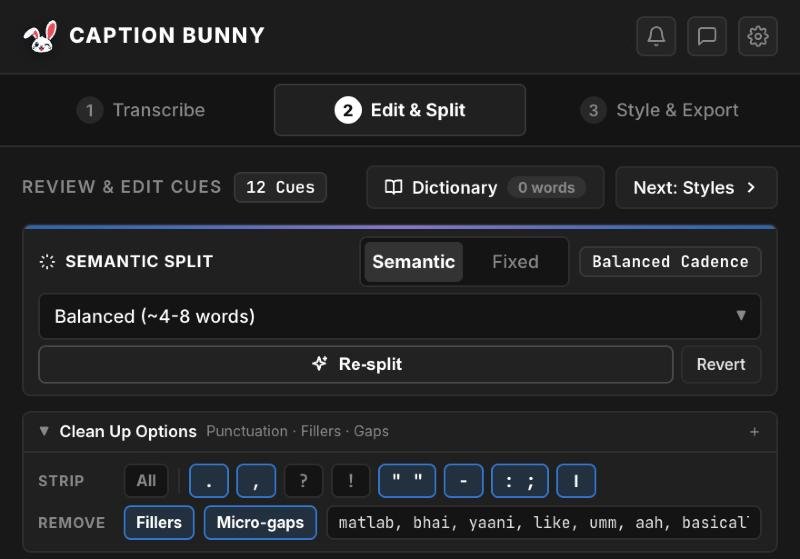
Most Indian creators speak Hinglish, with Hindi and English mixed in the same sentence. Most caption tools, including Premiere Pro's built-in Speech to Text, either force everything into Devanagari or mangle the English words. But viewers on Instagram and YouTube read Hinglish in Roman letters: “Aaj hum dekhenge ki ye kaise kaam karta hai.”
The Hinglish problem
| Tool | What you get for the same sentence |
|---|---|
| Premiere Speech to Text | आज हम देखेंगे कि ये कैसे work करता है |
| Generic English AI | Aj um the kenge ki yeah case come cart a hai |
| Caption Bunny (Hinglish) | Aaj hum dekhenge ki ye kaise work karta hai |
The first is unreadable for half your audience. The second is gibberish. The third is how people actually write Hinglish in comments and DMs, so it's what your captions should look like.
How Caption Bunny handles Hinglish
Hinglish, in Roman letters
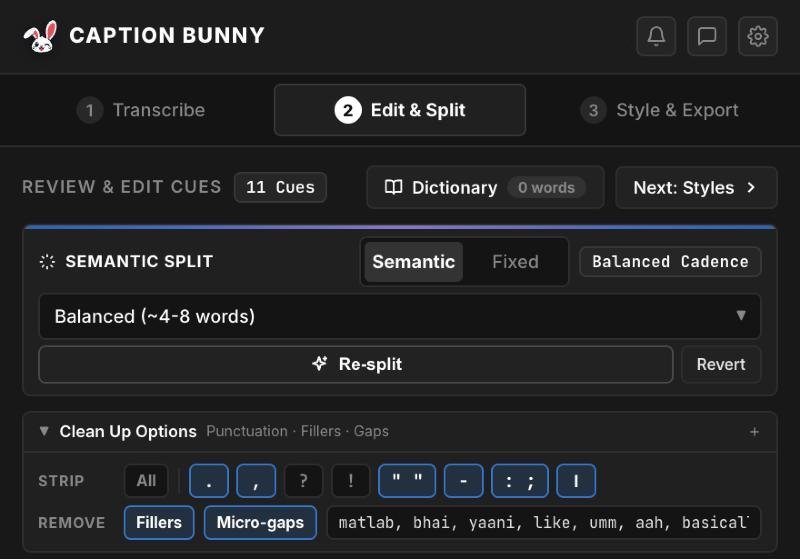
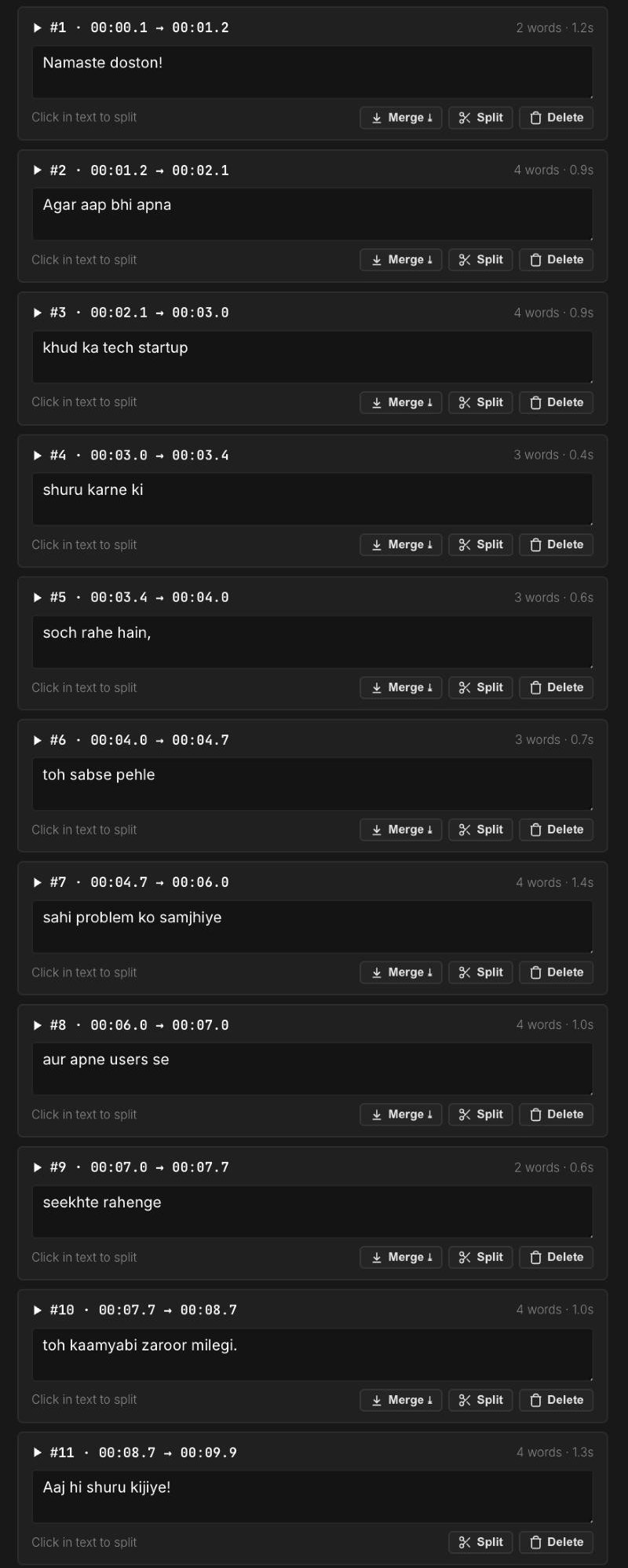
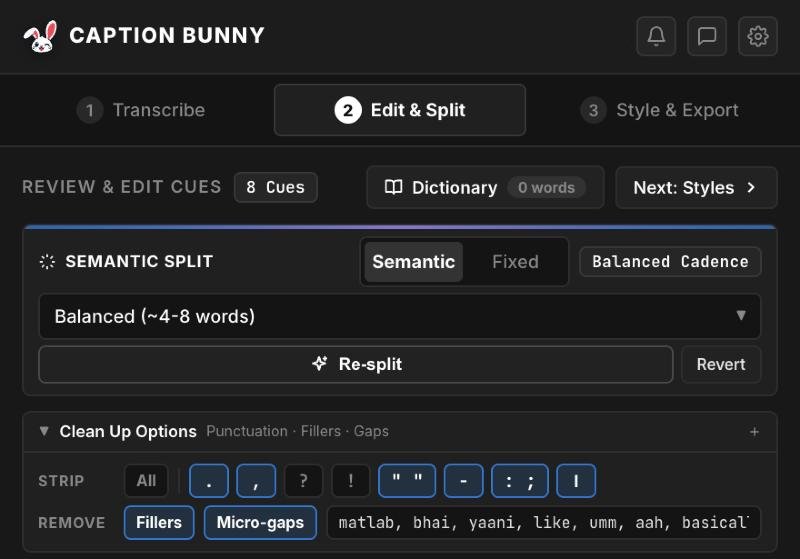
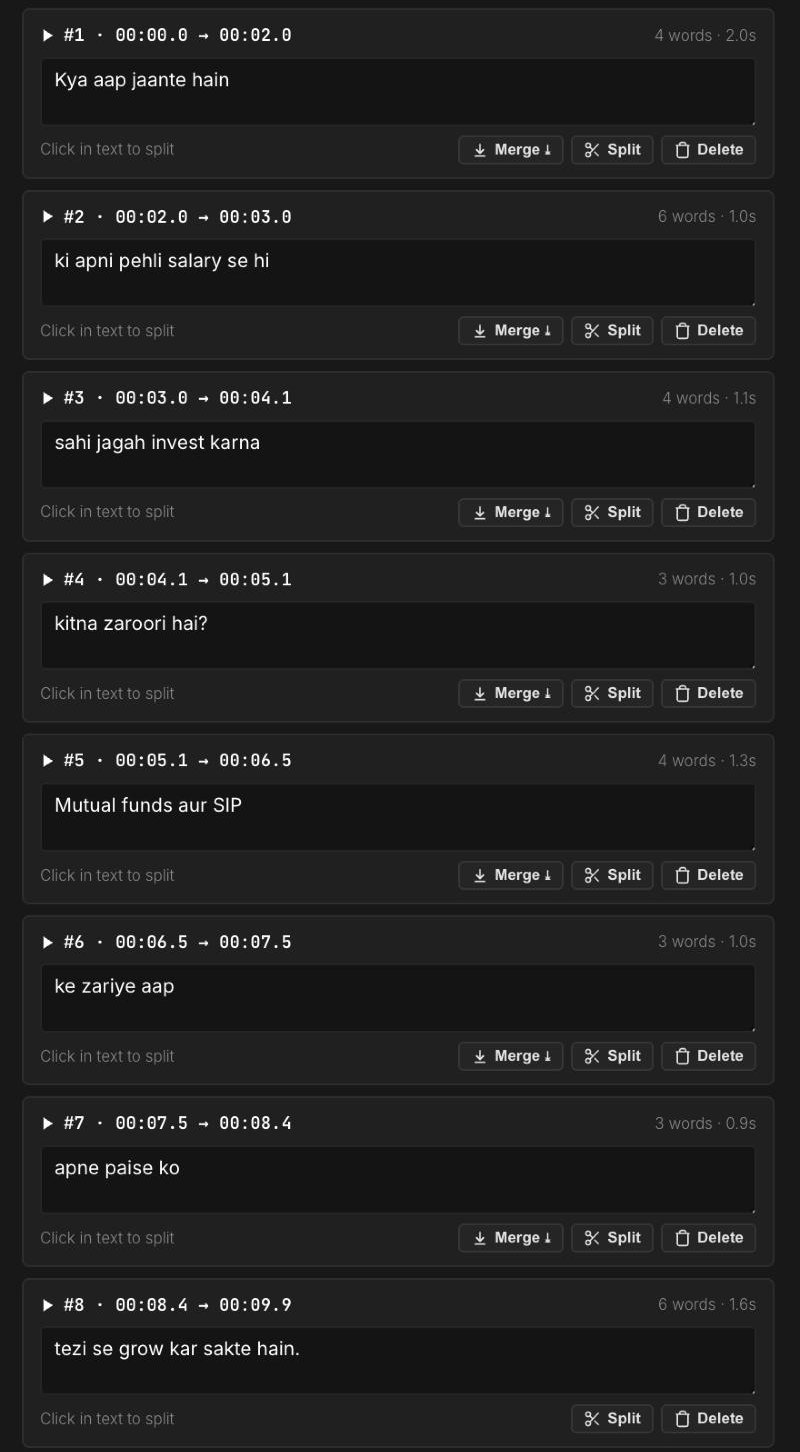
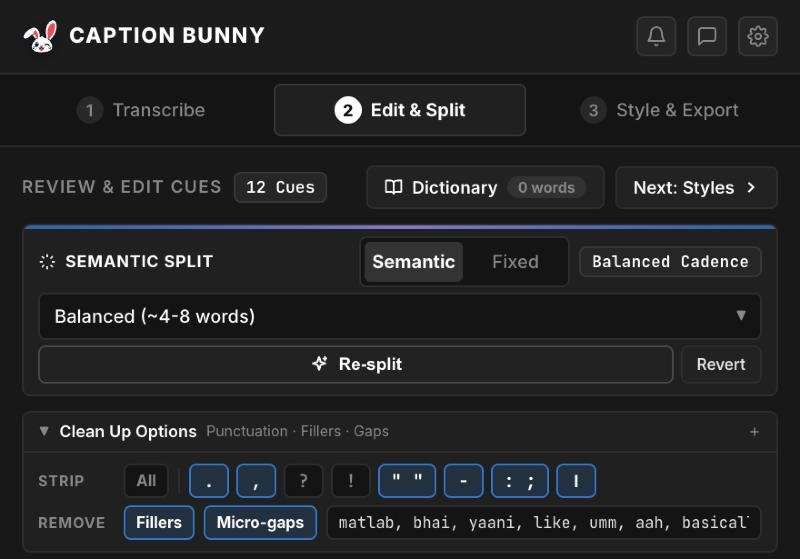
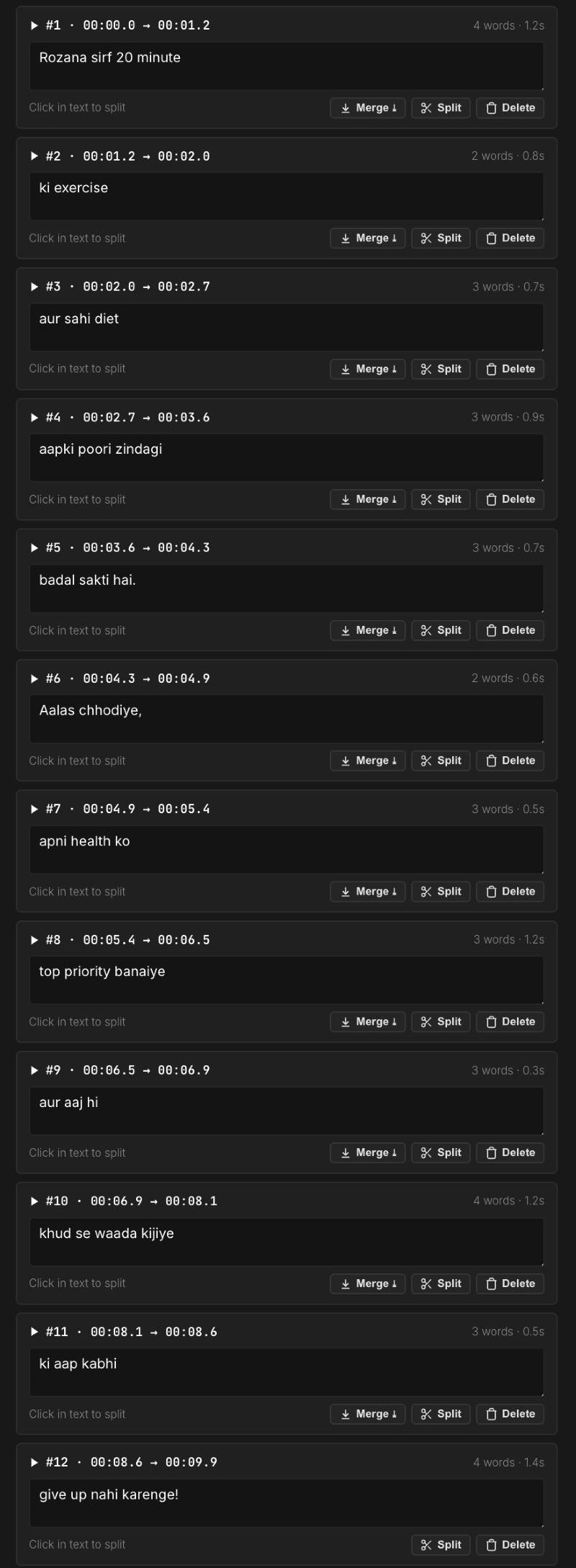
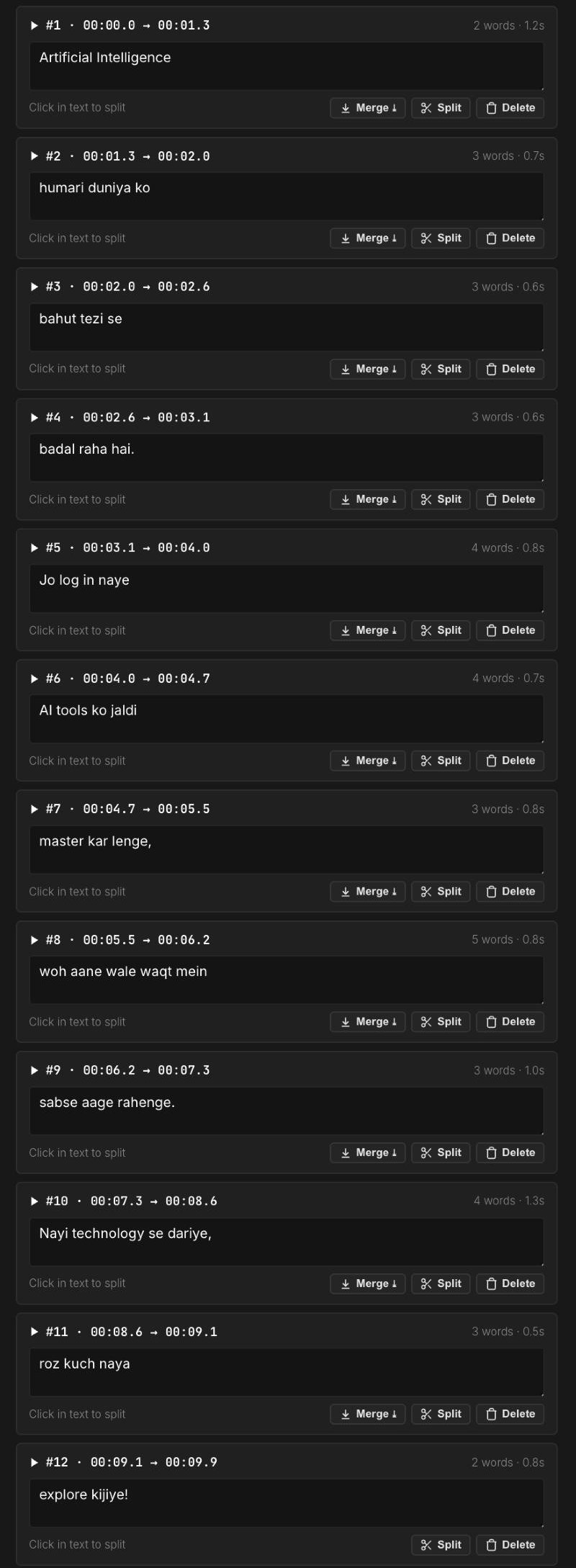
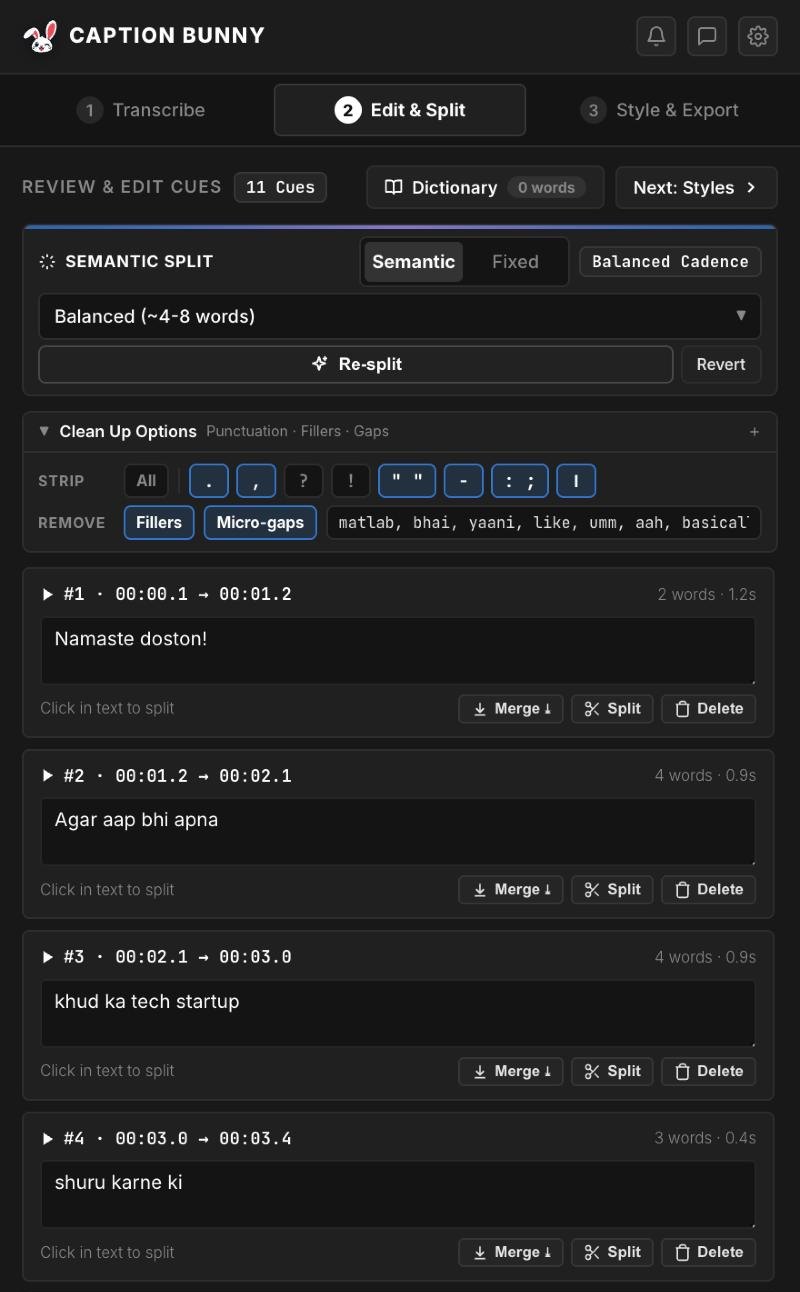
The real transcript of our tech-founder clip (the first video above): Hindi speech in, Roman Hinglish out, with every caption timed and ready to edit before you place a style.
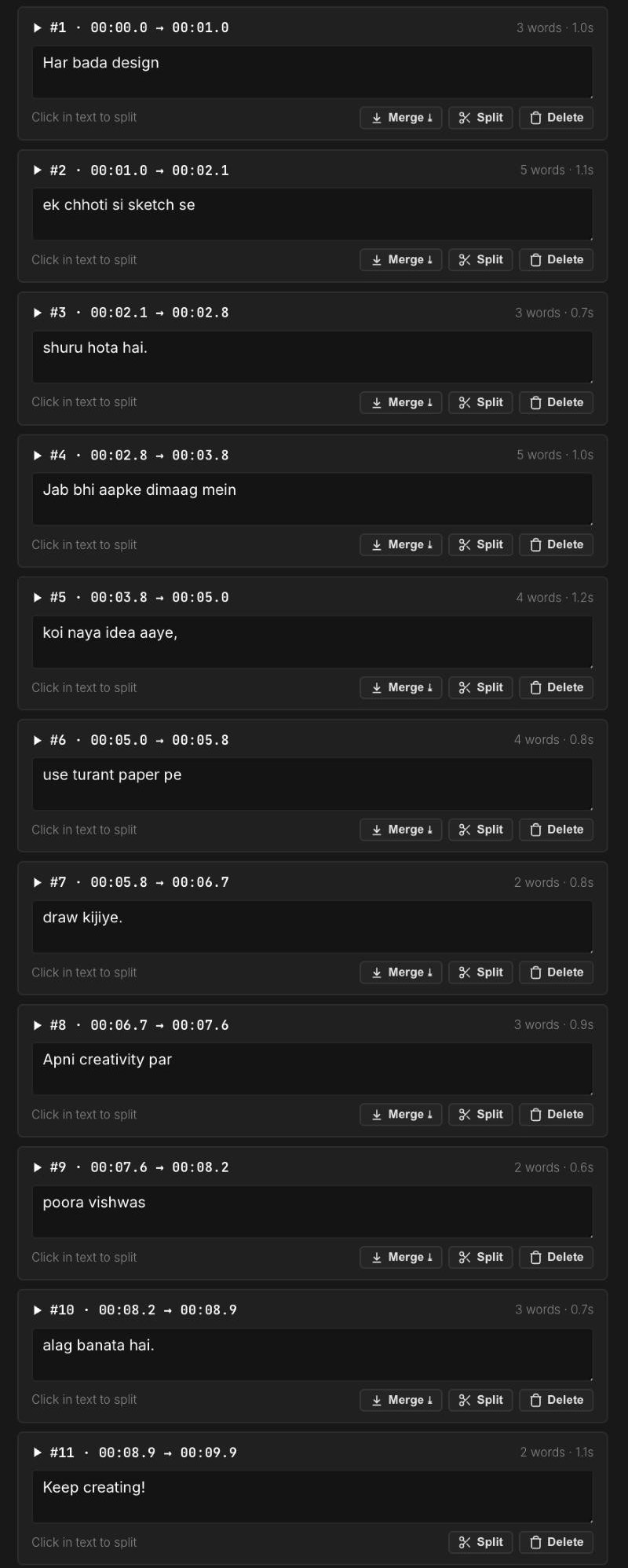
- Mixed Hindi and English kept natural
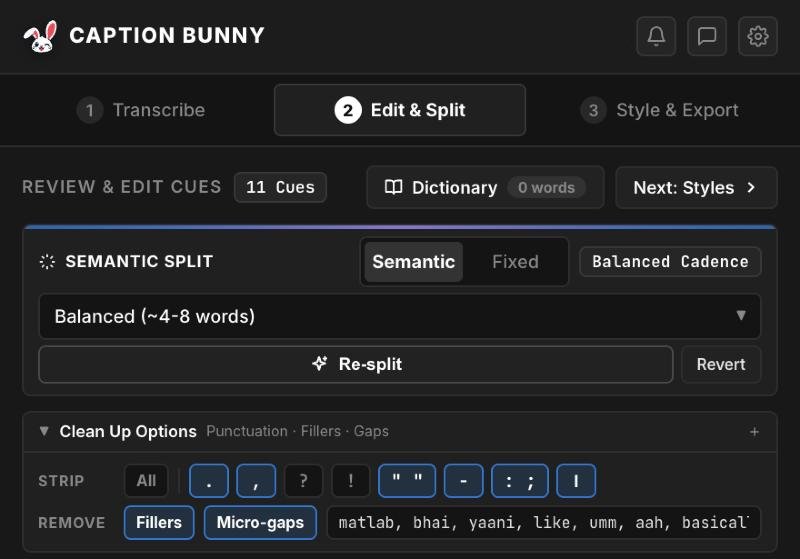
- Word counts and timings per caption
- Fix, split or merge lines in one click
Roman Hinglish
Captions read the way your audience types, not in a script half of them skim past.
English stays English
Mixed words like subscribe, camera and editing come out as English, not phonetic Hindi.
Desi filler removal
Strip matlab, yaani, bhai, basically, um and like with one toggle.
Offline & private
Runs on your computer, so there's no upload and no per-minute charges.
Animated styles
All 19 styles work with Hinglish: Hormozi, Karaoke, Emoji Pop and more.
Priced for India
₹999 once. UPI, cards and netbanking via Razorpay.
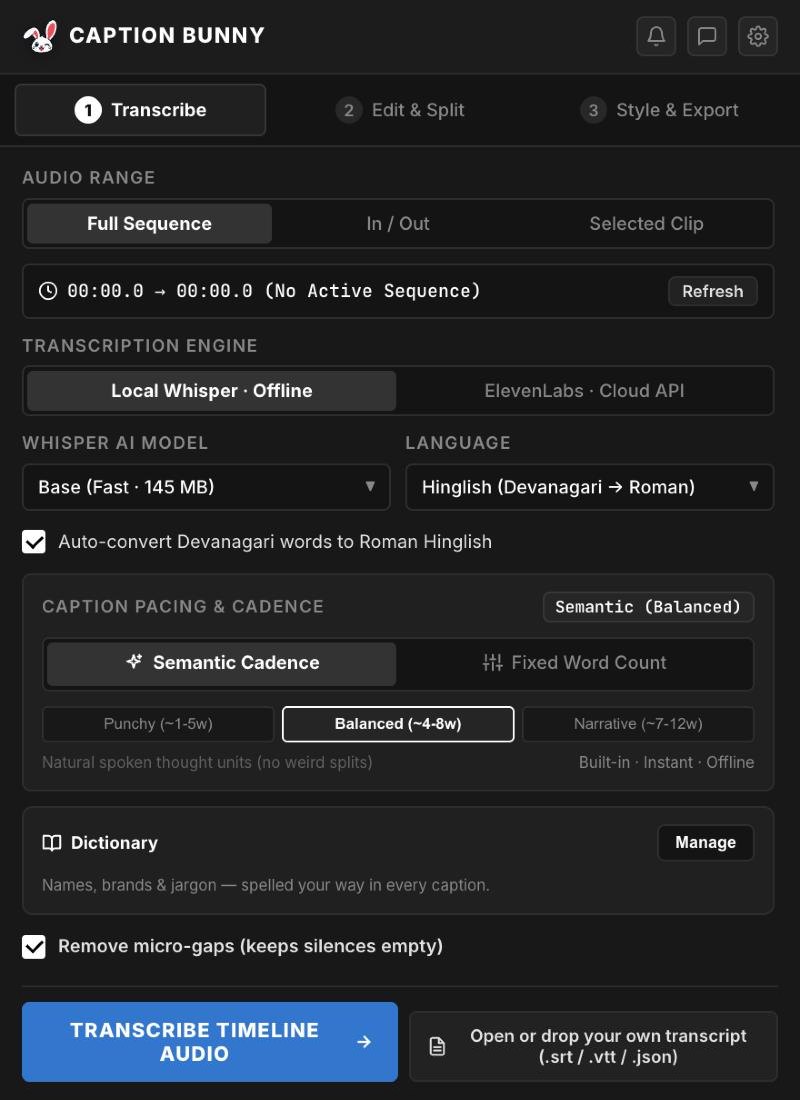
Pick “Hinglish (Devanagari → Roman)”
Choose Hinglish as the language and keep auto-convert on. Caption Bunny transcribes the Hindi and English speech, then turns any Devanagari words into natural Roman Hinglish, all offline.
- Choose Hindi instead for Devanagari subtitles
- Strip fillers like matlab, yaani and bhai
- Optional ElevenLabs cloud engine for noisy audio
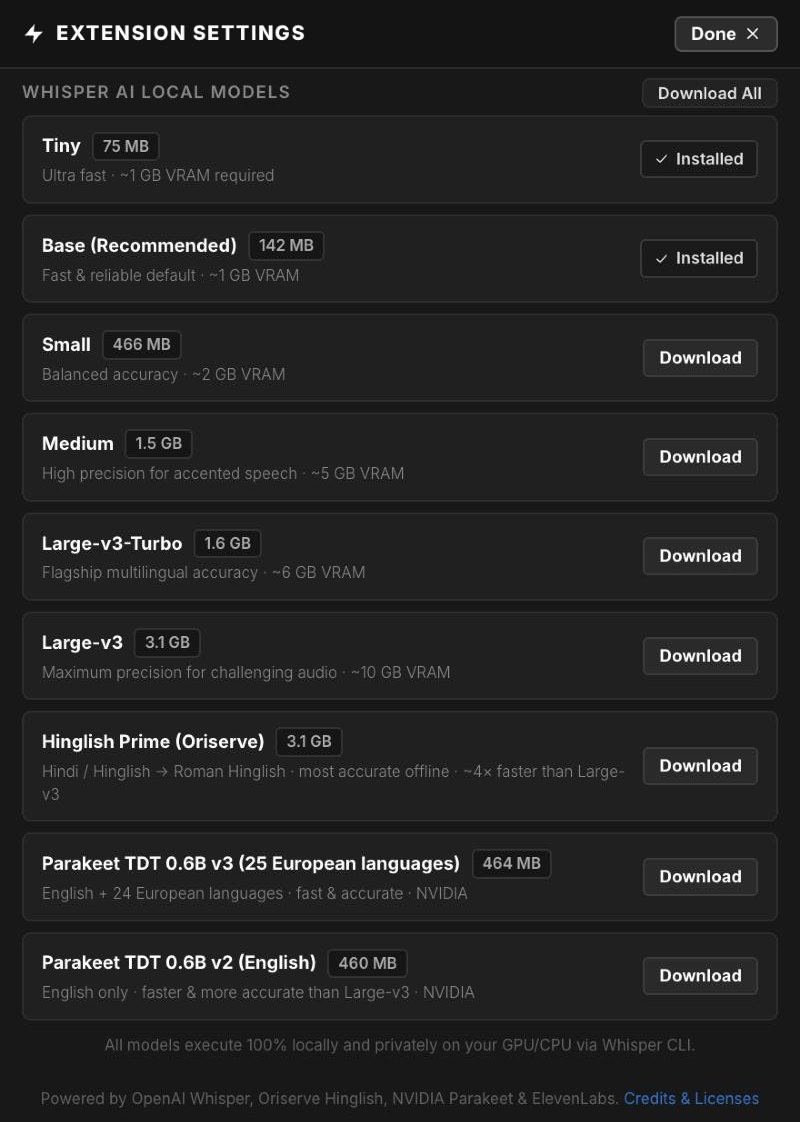
Hinglish Prime, built in
For the best Hinglish accuracy offline, download Hinglish Prime once from Settings. It converts Hindi and Hinglish speech straight to Roman letters, about 4× faster than Large-v3.
- Whisper Tiny to Large-v3 also available
- Everything runs on your computer
Real Hindi videos captioned in Hinglish with Caption Bunny: Gym Beast, Staple Reveal, Staple Block and Highlight Bold.
Caption your next Hinglish Reel in minutes
₹999 once · UPI accepted · Mac & Windows · free lifetime updates
Step by step
- 1
Open Caption Bunny
In Premiere Pro go to Window → Extensions → Caption Bunny.
- 2
Choose Hinglish
In the Transcribe tab set Language to Hinglish (Devanagari → Roman). Keep auto-convert on.
- 3
Transcribe
Click Transcribe Timeline Audio. It runs offline on your computer.
- 4
Edit
Fix any words and strip fillers in the Edit & Split tab.
- 5
Place
Pick a style and click Generate.
Download Hinglish Prime from Settings → Models: it's the most accurate offline model for Hindi and Hinglish. For very noisy outdoor audio, the ElevenLabs cloud engine is there too.
Hindi subtitles (Devanagari)
Making content for a Hindi-reading audience? Choose Hindi as the language and captions come out in Devanagari. The same animated styles and timeline tools apply.
Frequently asked questions
Can Premiere Pro make Hinglish captions?+
Premiere's built-in Speech to Text handles Hindi in Devanagari but not romanized Hinglish. Caption Bunny transcribes mixed Hindi-English speech and writes it in Roman letters.
How do I add Hindi subtitles in Premiere Pro?+
In Caption Bunny, choose Hindi as the language, transcribe, and place captions. They come out in Devanagari, timed to the speech.
Is Caption Bunny available in India?+
Yes. It costs ₹999 once with UPI, card and netbanking payments, and works on Mac and Windows.
Does Hinglish transcription work offline?+
Yes. It runs on your computer. An optional cloud engine is available for difficult audio.
Can it remove Hindi filler words?+
Yes. The filler list includes matlab, yaani, bhai, basically, um, like and more, and you can edit it.

We're video editors who build caption tools for Premiere Pro. Every step in our guides is tested on a real timeline before we publish it.