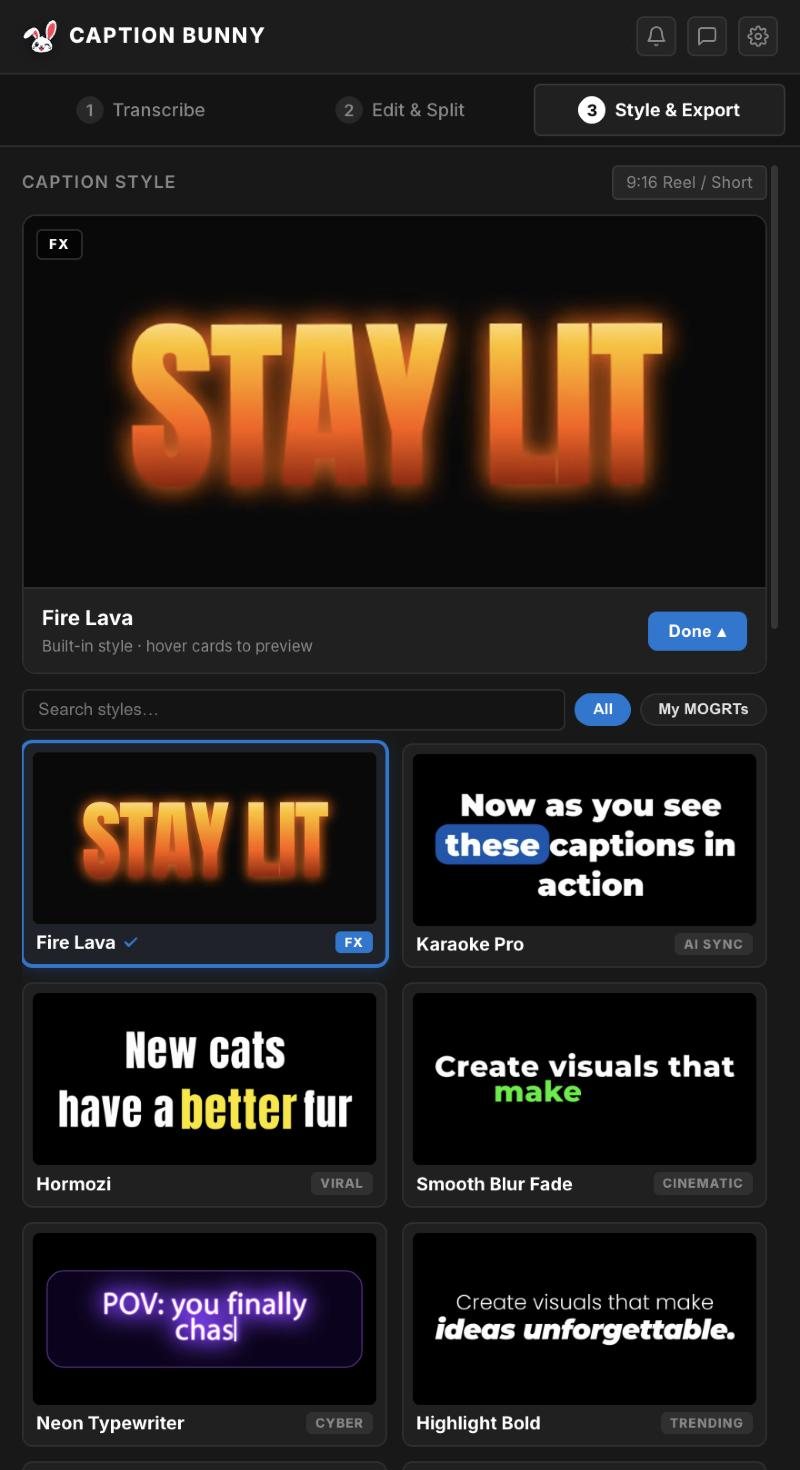
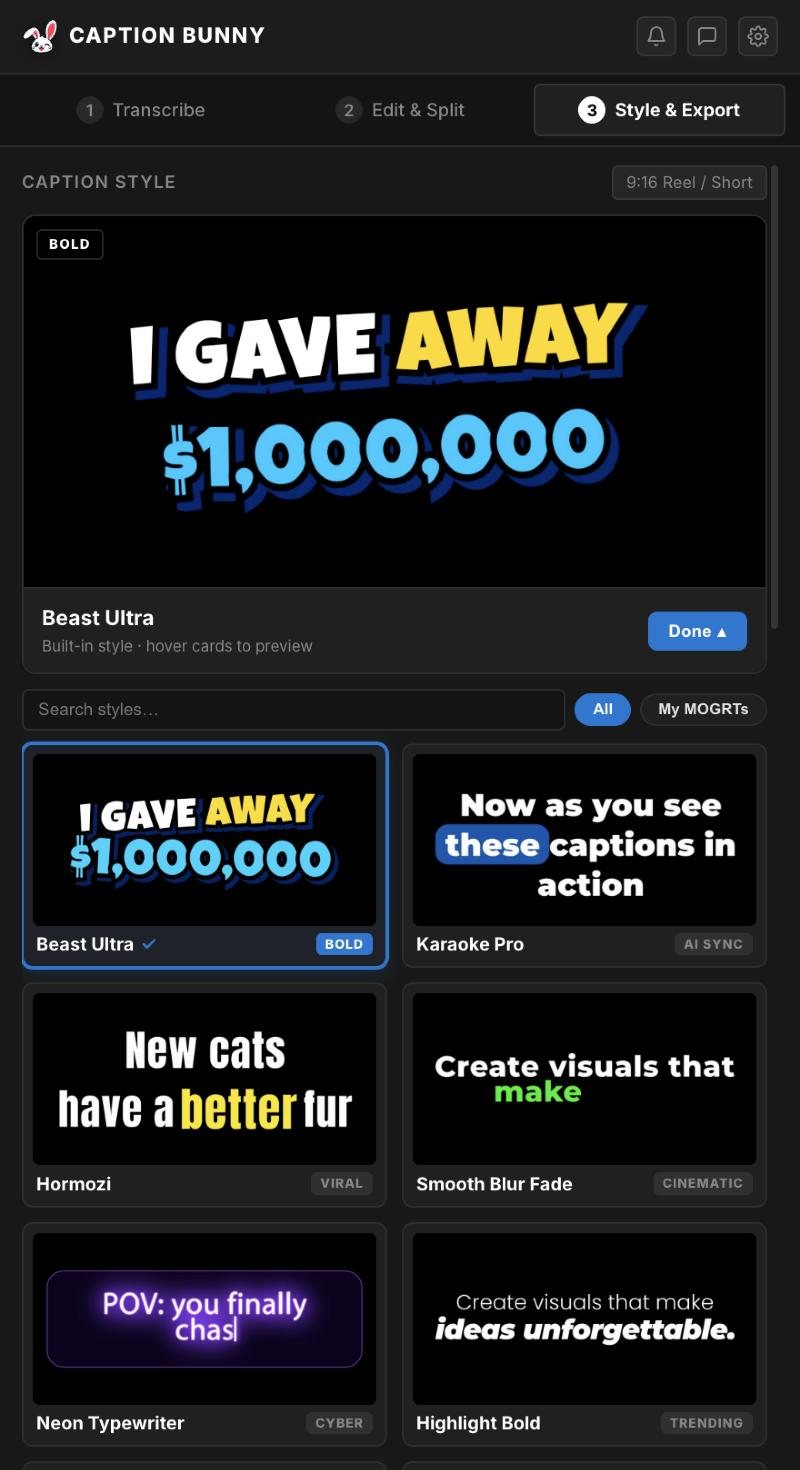
Many caption tools upload your footage to a cloud server and charge per minute or per month. That's slow for long videos, adds up over time, and isn't acceptable for client work under NDA. Caption Bunny transcribes on your own computer.
Cloud vs offline captions
| Typical cloud caption tool | Caption Bunny offline | |
|---|---|---|
| Footage uploaded | Yes | Never |
| Pricing | Monthly plan or per-minute | $29 once |
| Minute limits | Usually capped | Unlimited |
| Works without internet | ||
| Safe for NDA / client work | Depends on their policy | |
| Speed on long videos | Upload + queue + download | Runs locally, starts instantly |
Why editors choose offline
Privacy
Unreleased client footage, interviews and NDA projects stay on your drive.
No per-minute costs
Caption a 2-hour podcast for the same price as a 15-second Reel.
Works anywhere
On a plane, on location, or on slow hotel Wi-Fi.
Uses your hardware
Apple Silicon and modern PCs transcribe faster than real time.
The engines inside
9 offline speech models
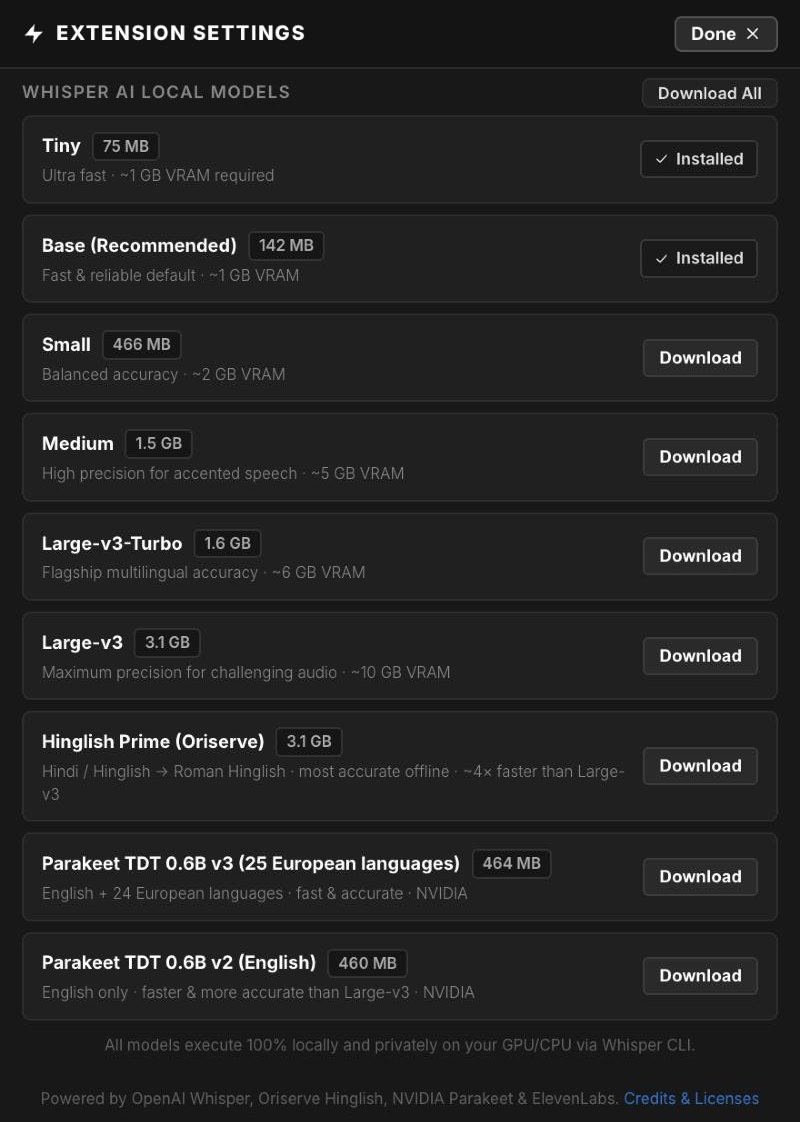
Pick the model that fits your machine and your audio. Download it once from Settings and it runs fully on your computer from then on.
- Whisper Tiny, Base, Small, Medium, Large-v3-Turbo and Large-v3
- Hinglish Prime: Hindi and Hinglish to Roman, the most accurate offline option
- NVIDIA Parakeet for English and 24 European languages
| Engine | Runs | Best for |
|---|---|---|
| Whisper Tiny / Base (75–142 MB) | On your computer | Fast everyday captions, any laptop |
| Whisper Small / Medium (0.5–1.5 GB) | On your computer | Accents and tricky speech |
| Whisper Large-v3 / Turbo (1.6–3.1 GB) | On your computer | Maximum accuracy, 99+ languages |
| Hinglish Prime (3.1 GB) | On your computer | Hindi and Hinglish in Roman letters |
| NVIDIA Parakeet v2 / v3 (~460 MB) | On your computer | Fast, accurate English and European languages |
| ElevenLabs Scribe (optional) | Cloud | Very noisy audio, heavy accents |
Multilingual: which model for which language
Every model runs offline, but they're good at different languages. Caption Bunny's language list only shows what the picked model can transcribe. If you pick Parakeet with a language it doesn't know, the panel hands the job to the best Whisper model you've downloaded.
| Model | Languages | Best for |
|---|---|---|
| Whisper Tiny / Base | 99+ | Quick drafts in any language; not reliable for Hindi or Hinglish |
| Whisper Small / Medium | 99+ | Accented speech, Spanish, Arabic, Portuguese and more |
| Whisper Large-v3 / Turbo | 99+ | Highest accuracy across languages, including Hindi |
| Hinglish Prime | Hindi, Hinglish | Mixed Hindi-English written in Roman letters |
| Parakeet v3 | 25 European | Fast, accurate English, Spanish, French, German and more |
| Parakeet v2 | English | Long English videos and podcasts |
| ElevenLabs (cloud, optional) | Many | Noisy audio, heavy accents, code-mixed speech |
99+ languages with Whisper
From Spanish and Japanese to Arabic and Tamil, any Whisper model can caption it. Larger models are more accurate.
Hinglish written the way people type
Hinglish Prime turns mixed Hindi-English speech into Roman script, not Devanagari.
25 European languages, fast
Parakeet v3 covers English, Spanish, French, German, Italian, Portuguese, Dutch, Polish, Russian, Ukrainian and 15 more.
Auto-detect or pick
Let the model detect the language, or lock it to one for better accuracy.
English, Spanish, French, German, Italian, Portuguese, Dutch, Russian, Ukrainian, Polish, Czech, Slovak, Slovenian, Croatian, Bulgarian, Romanian, Hungarian, Greek, Danish, Swedish, Finnish, Estonian, Latvian, Lithuanian and Maltese.
Captioning Hindi or Hinglish? See our Hinglish captions guide.
Caption privately, without limits
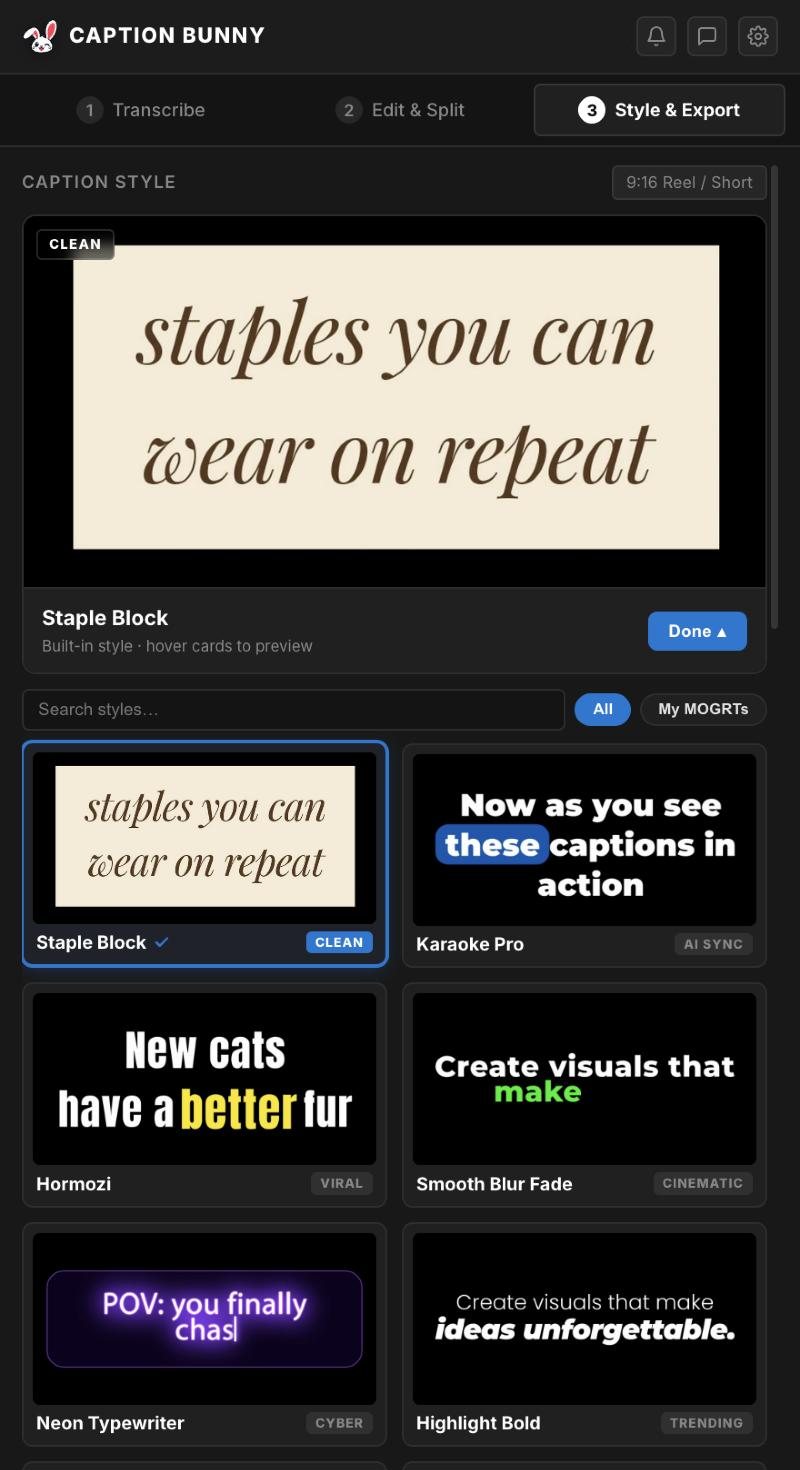
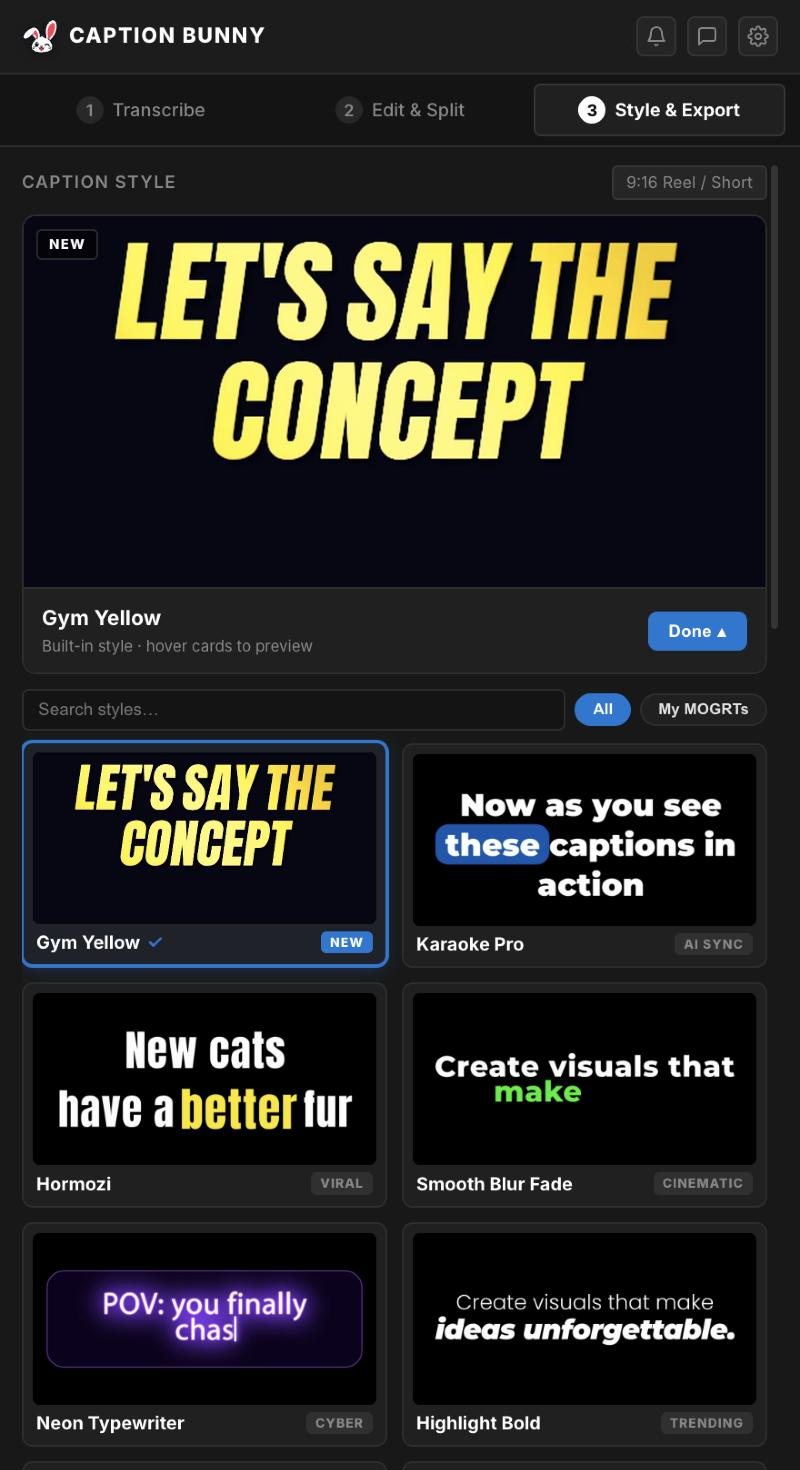
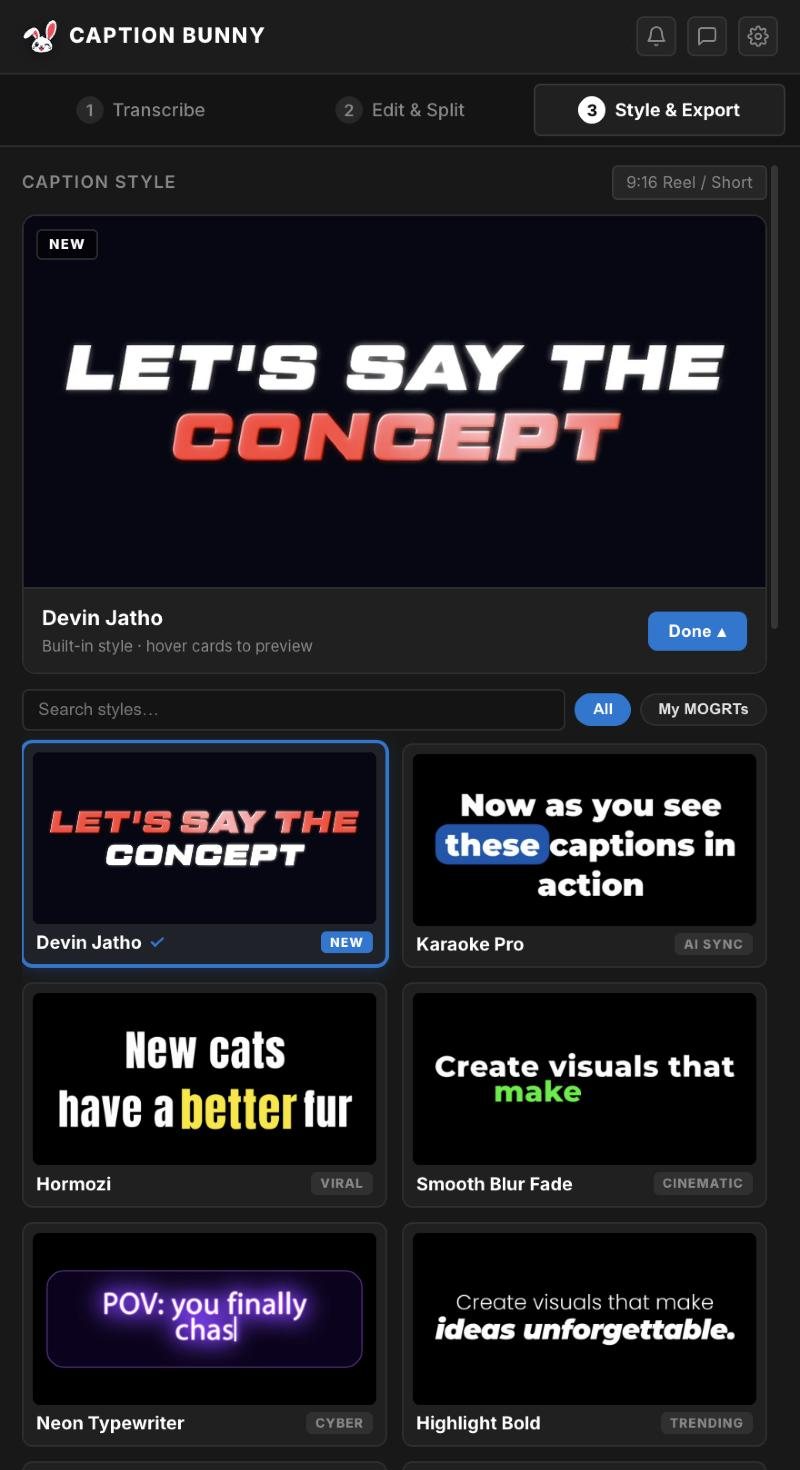
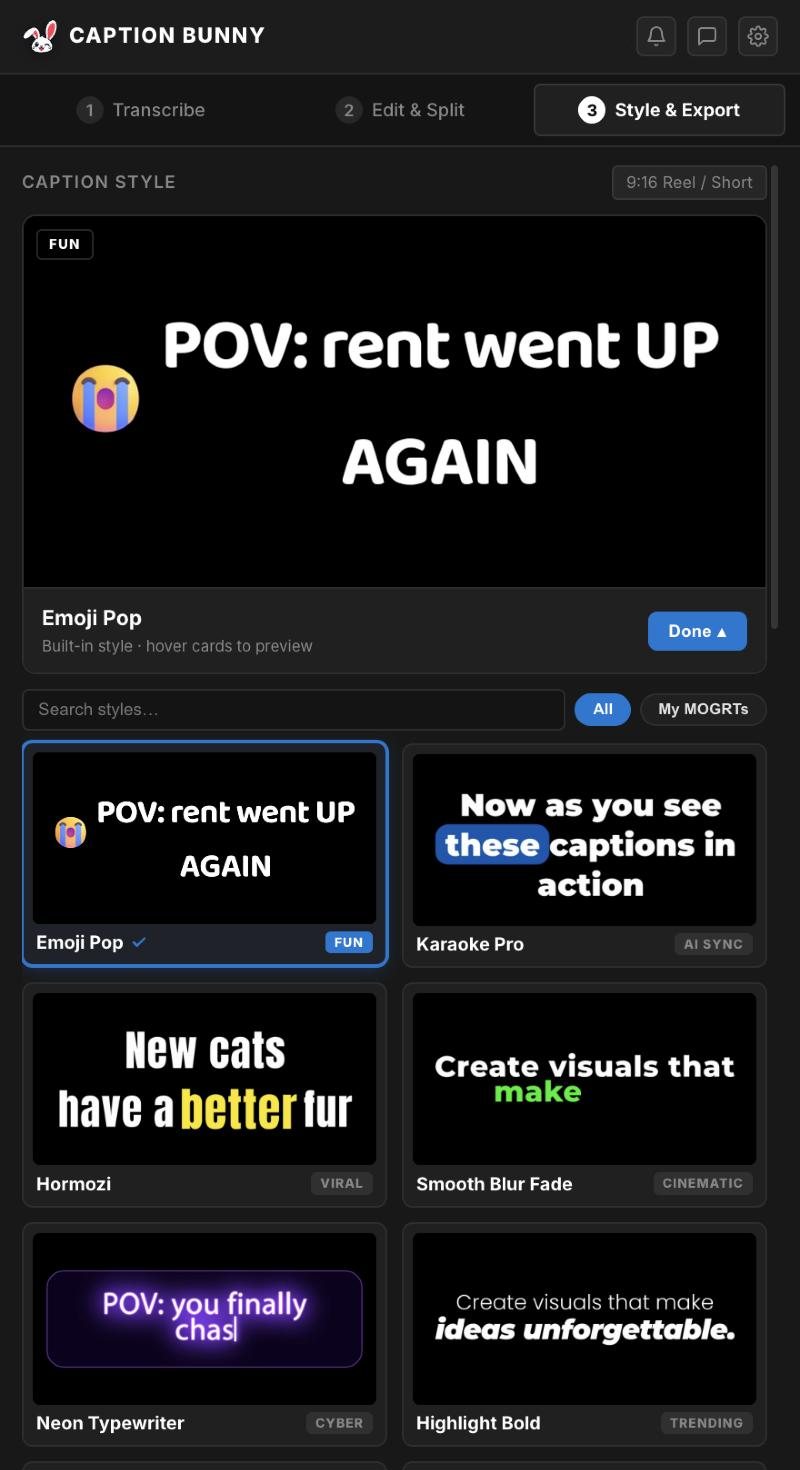
One payment of $29. Unlimited offline transcription, 19 animated styles, Mac and Windows.
How to caption offline in Premiere Pro
- 1
Install Caption Bunny
Follow the install guide. The speech models download once.
- 2
Open the panel
In Premiere go to Window → Extensions → Caption Bunny.
- 3
Transcribe
Select Local Whisper · Offline, pick the language and click Transcribe.
- 4
Edit & place
Fix words, then place plain or animated caption styles.
Every style works with offline transcription.
System requirements
| Requirement | |
|---|---|
| Premiere Pro | Recent version, Mac or Windows |
| macOS | Apple Silicon or Intel |
| Windows | Windows 10 or 11, 64-bit |
| Disk | 75 MB to 3.1 GB per speech model, depending on which you download |
| Internet | Only for install and licence activation |
Start with Base. If your audio is noisy or accented, download Medium or Large-v3-Turbo from Settings → Models. Apple Silicon Macs run even the large models quickly.
Frequently asked questions
Can I generate captions in Premiere Pro without internet?+
Yes. Caption Bunny runs transcription on your computer, so after installation and activation you don't need an internet connection to caption videos.
Is offline transcription accurate?+
It uses the Whisper speech model, which is accurate for clear speech in 99+ languages. An optional cloud engine is there for difficult audio.
Does Caption Bunny upload my videos?+
No. Offline mode keeps all audio on your computer.
Are there per-minute charges?+
No. Caption Bunny is a one-time $29 licence with unlimited transcription.
Which offline model is best for my language?+
Whisper Large-v3 or Turbo for most of the 99+ languages, Hinglish Prime for Hindi and Hinglish, and Parakeet for fast English or European-language captions.
Is Premiere's built-in Speech to Text offline too?+
Yes, after its language pack is downloaded. But it only makes static captions. Caption Bunny adds animated styles, Hinglish and timeline tools.

We're video editors who build caption tools for Premiere Pro. Every step in our guides is tested on a real timeline before we publish it.